
Game Quarx for VC-20, C-64 and PET - compared to Xixit
When the 8-Bit Guy
https://www.the8bitguy.com/ announced Quarx on his YouTube channel, it immediately had my full interest. Finally, a new game for the VC-20, C-64, and PET. It was finally available in early 2026 - can it live up to its promises?
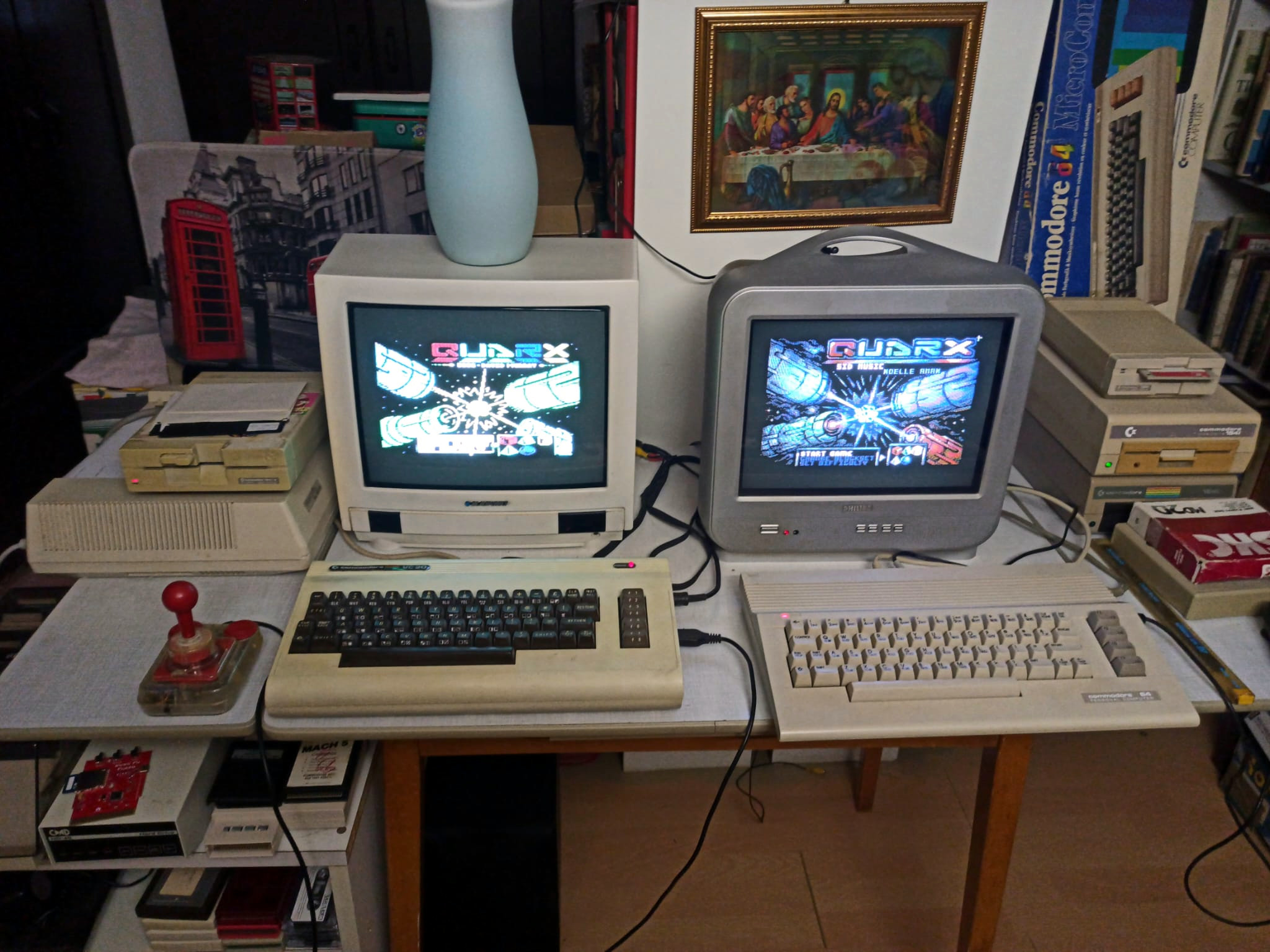
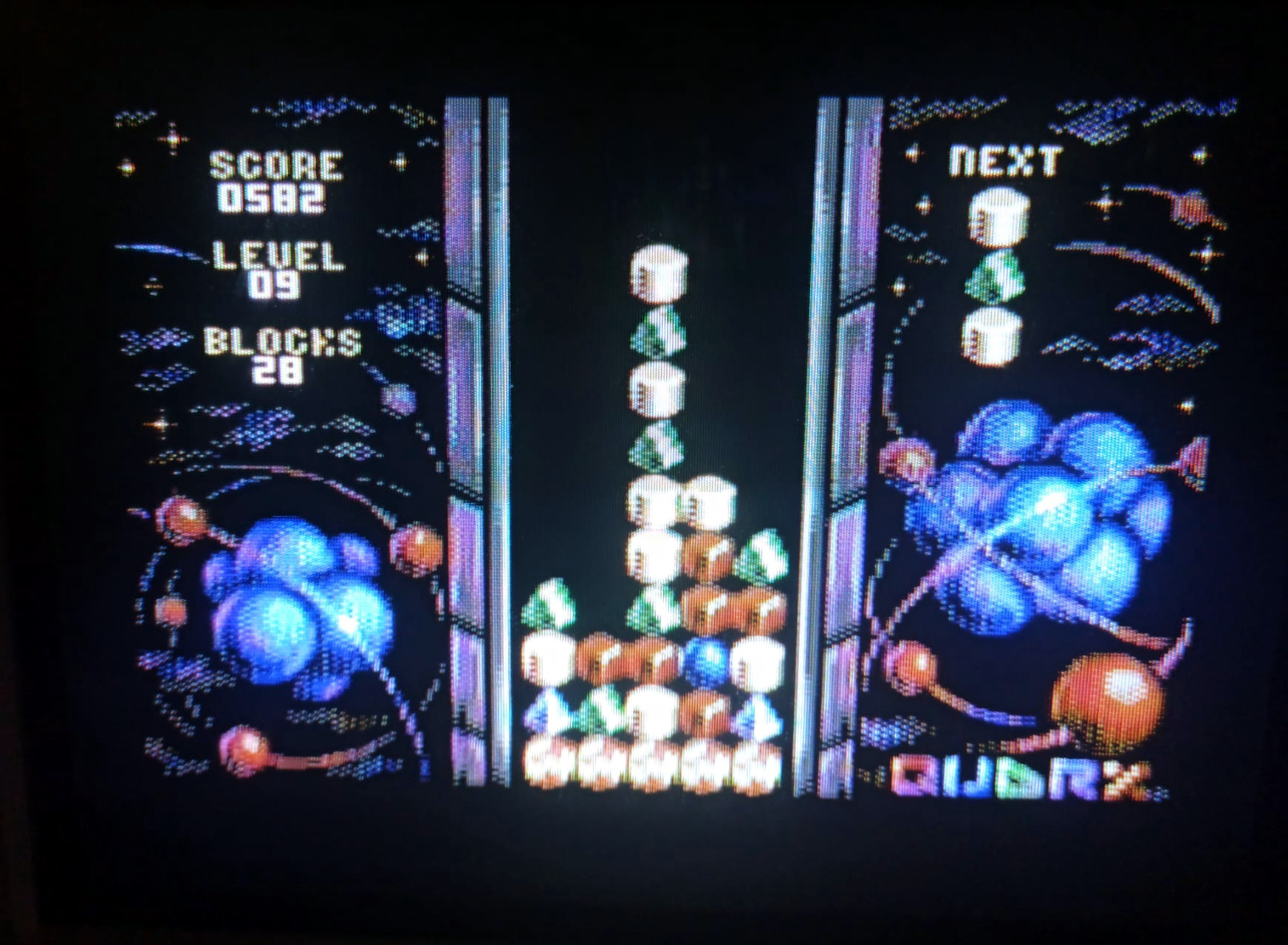
The Game
Quarx belongs to the tile-matching puzzle game genre and is an implementation of Columns. The original Columns was released in 1989, following the great Tetris boom of the late 1980s. Various versions have been released over the years, including Columns for the Sega Mega Drive and Xixit for DOS.
The 8-Bit-Guy created his own version for several systems, including the VC-20 and Commodore 64. This version is examined here and compared with Xixit95.
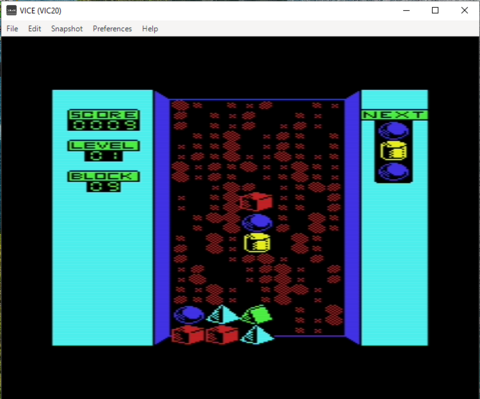
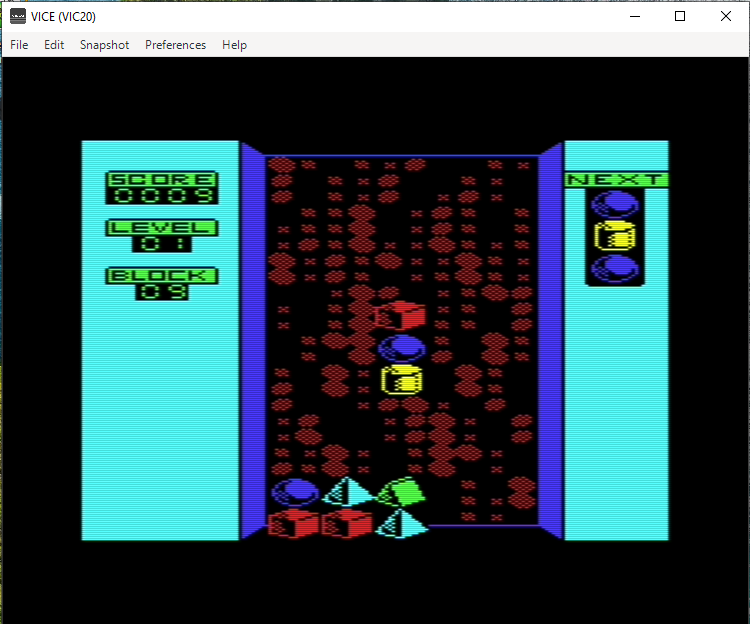
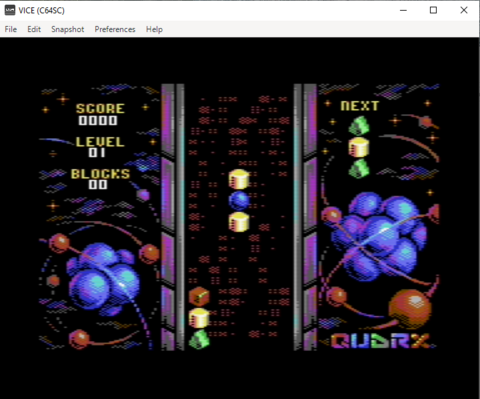
The playing field consists of a rectangle known as the Pit or Well. In Quarx, the Pit is 12 symbols high and 5 symbols wide. In the Sega Mega Drive version of Columns, the Pit is 14 symbols high. So-called Columns, consisting of three randomly selected symbols, fall from the top of the screen. They continue falling until they reach either the bottom of the Well or previously placed Columns.
The objective is to place the Columns so that at least three matching symbols are aligned in a row. Rows can be horizontal, vertical, or diagonal. Columns can be moved left or right and dropped faster. Pressing the fire button rotates the order of the three symbols.
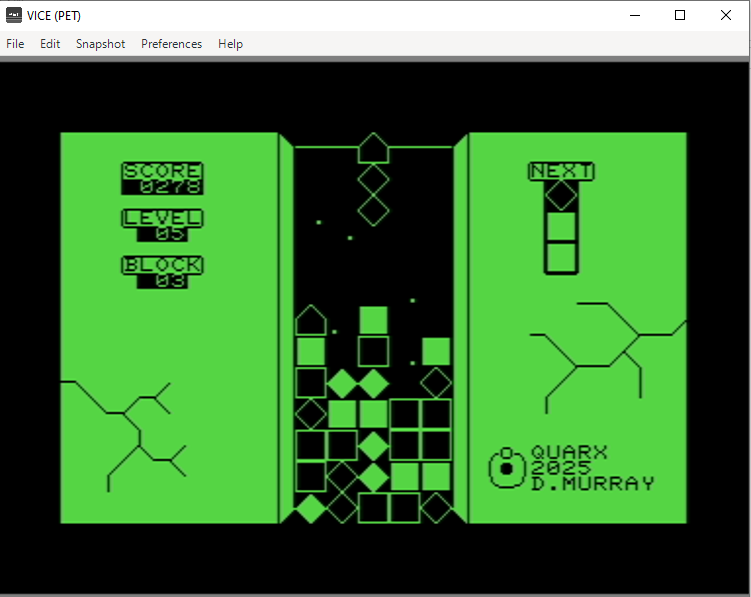
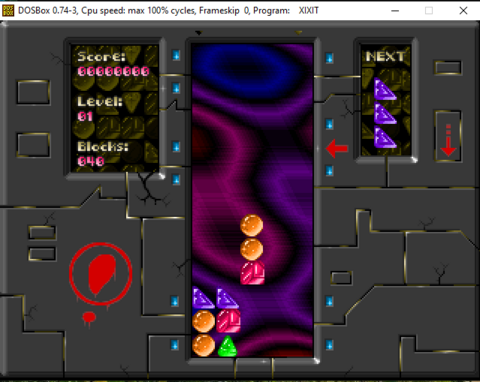
Additional points are awarded for chain reactions, where symbols fall into place after a match is cleared and create new matches of three or more symbols. In the upper-right corner next to the Pit, a preview shows the next Column. The upper-left corner displays the current score, level, and the number of Columns required to reach the next level. In the original Xixit, this counter counts down, while in Quarx it counts up. A new level is reached after approximately 45 placed Columns.
With each new level, the falling speed of the Columns increases. Once the Pit is filled to the point where no new Columns can enter, the game ends with Game Over.
The difficulty level can be adjusted:
- Easy: 4 different symbols
- Medium: 5 different symbols
- Hard: 6 different symbols
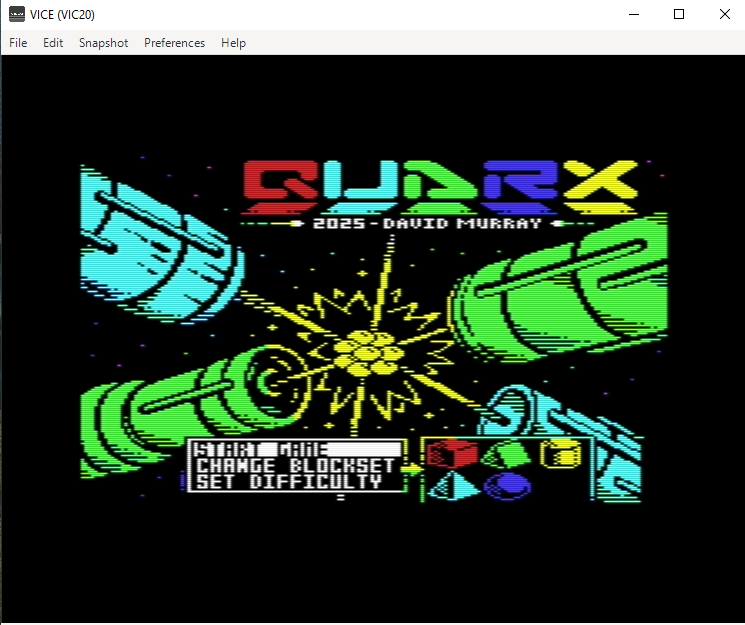
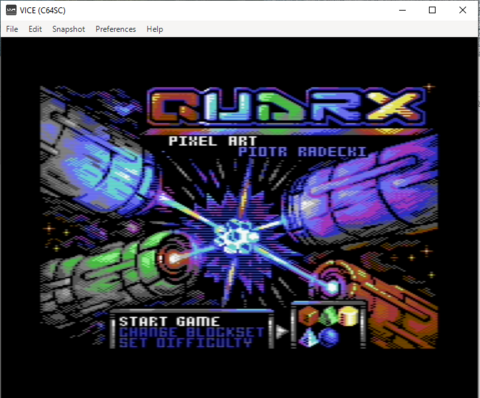
Players can also choose from different graphical symbol sets according to their preference. A plasma effect is visible in the background of the Pit, intended to distract and challenge the player. At higher levels, additional and increasingly confusing visual effects are introduced. In Quarx, the background music also changes with each new level to increase the sense of tension and drama.
Quarx Controls
Joystick
Standard joystick controls.
Keyboard
| Action | Key |
|---|---|
| Up | I |
| Left | J |
| Down | K |
| Right | L |
| Fire | Z |
Xixit Controls
Menu
| Action | Key |
|---|---|
| Move selection up | Up Arrow |
| Move selection down | Down Arrow |
| Confirm selection | Enter |
Gameplay
| Action | Key |
|---|---|
| Move left | Left Arrow |
| Move right | Right Arrow |
| Fast drop | Down Arrow |
| Rotate symbols | Space Bar |
After Game Over
| Action | Key |
|---|---|
| Return to main screen | Escape |
My personal take
A really great game for the VC-20—it’s definitely worth buying. Personally, though, I manage to get my best high score on the C-64 version. I still need to figure out why. The only thing missing is a high-score list that you could maybe save to a floppy disk, but that’s not a deal-breaker.
Screenshots for comparision
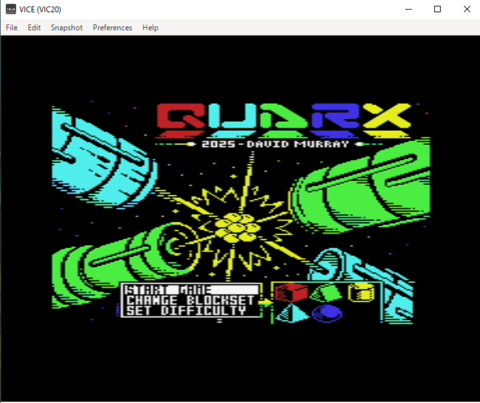
- Screenshots of VC-20 Version
- Screenshots of C-64 Version
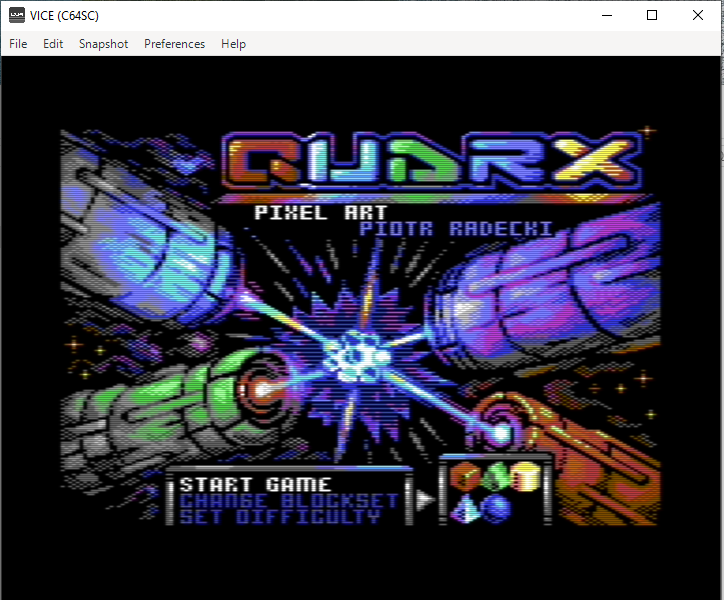
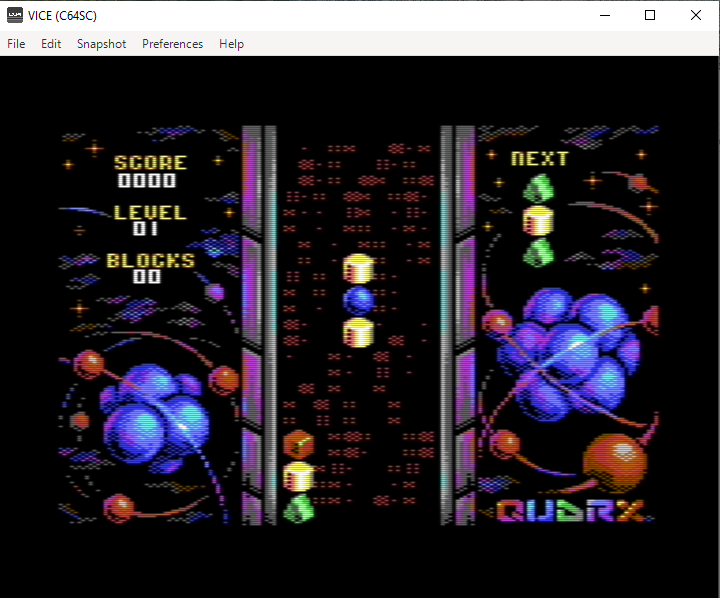
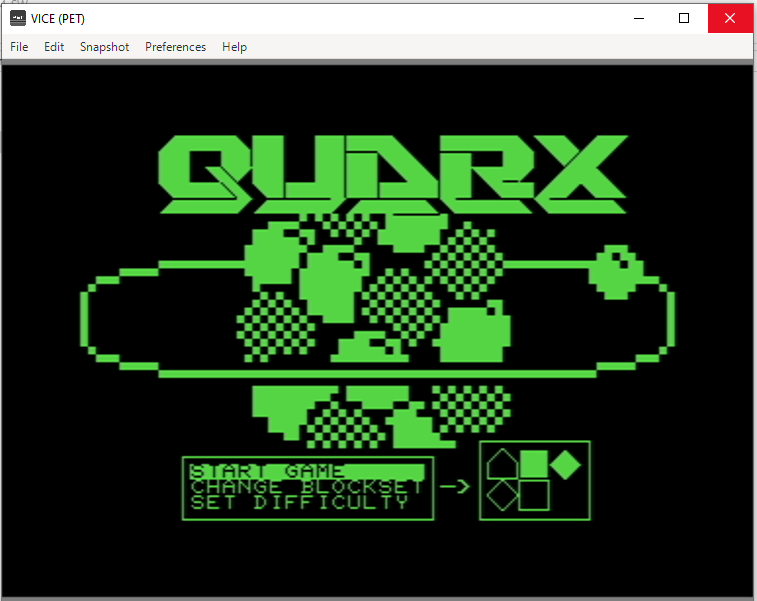
- Screenshots of PET Version
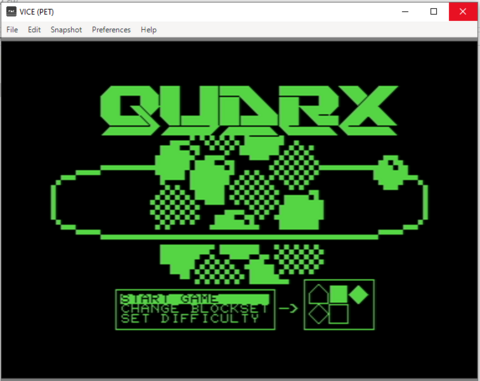
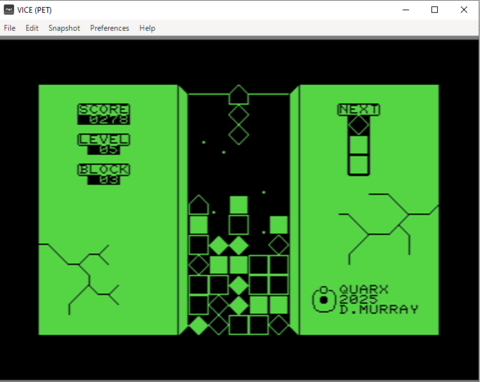
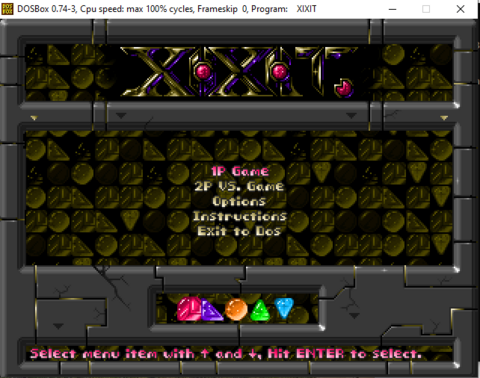
- Screenshots of Xixit95
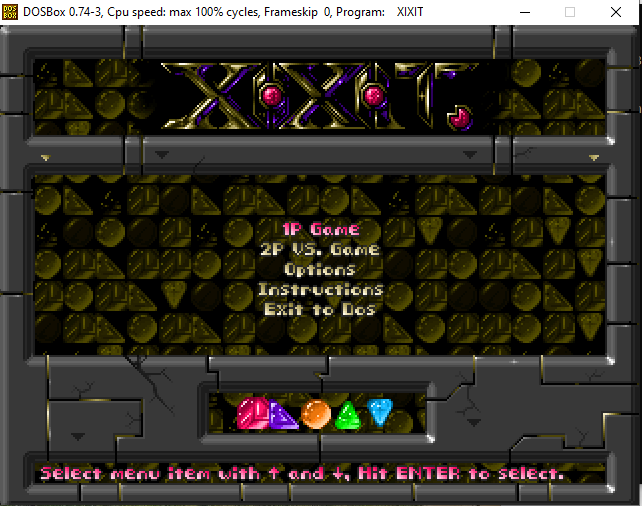
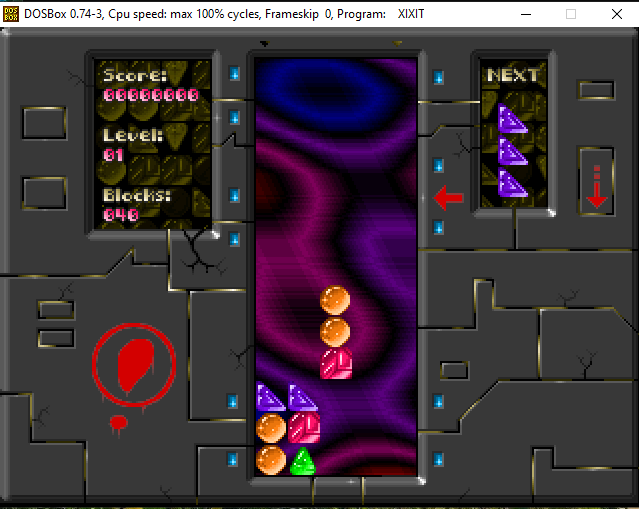
Launch of Commodore-Versionen
- Open programs with correct emulators from VICE
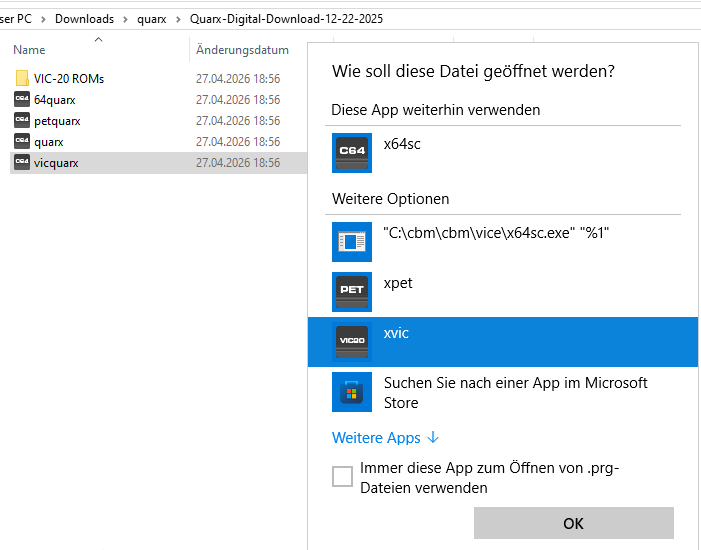
- for use on real hardware, transfer it do disk via OpenCBM, use something like SD2IEC or buy the disk/module version
Start of DOS-Version
- extract Xixit to c:\dosgames\xixit95
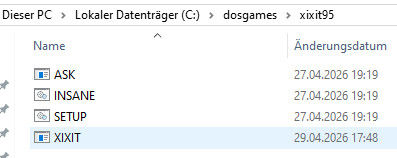
- Launch emulator DOSbox
- mount directory, launch Xixit
 mount g c:\dosgames
 g:
 cd xixit95
 xixit.exe
- Increase the size of DOSbox window: set resolution in config file
#fullresolution   = original
fullresolution    = 1024x768

#windowresolution = original
windowresolution  = 1024x768

#output           = surface
output           = opengl
Youtube-Video with comparision of three versions
Quarx Game on VC-20, C-64 and Xixit on Dosemu
How to get
Xixit95 for DOS As far as i know, this is also shareware, use a search engine to find it
Columns for Sega Megadrive was not testet because i dont own the hardware.